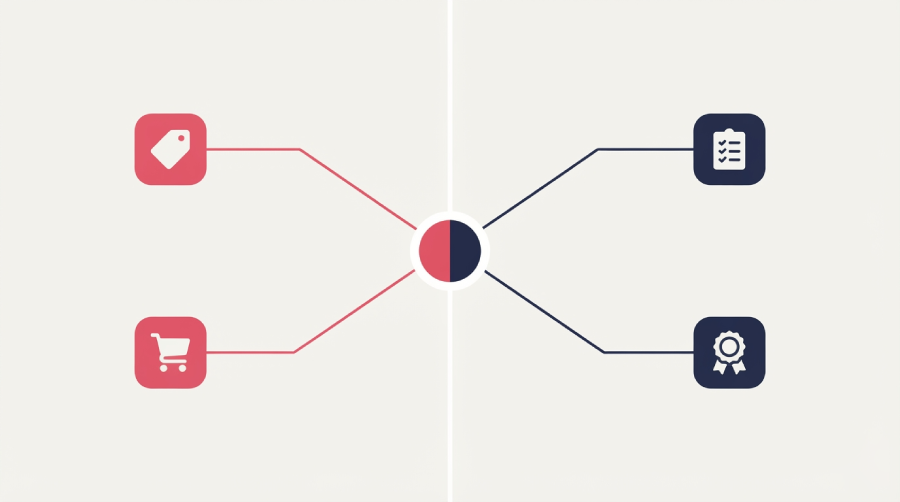
LearnWorlds alternatives break into two very different searches, and most roundups only answer one of them. If you’re building a course to sell, you want a storefront and marketing tools. If you’re training a team, you need SCORM tracking and proof that people finished. This page splits by that difference instead of running one flat list. Whether you typed “LearnWorlds alternatives” or the common misspelling “LearnWorld alternatives,” you’re in the right place either way.
Short version. If you’re selling a course, Thinkific is the safest first stop, since it drops LearnWorlds’s per-sale fee entirely and bundles unlimited students and courses on every plan. If live cohorts and community matter more than a polished storefront, Mighty Networks answers that better. If you’re training employees, partners, or customers instead of selling to them, iSpring LMS is built for that job directly: it converts PowerPoint content into SCORM-tracked courses and bills by active user rather than a flat contract. TalentLMS is the free way to test that path before you spend anything.
What LearnWorlds Does Well (and Where It Runs Out of Road)
LearnWorlds packs a genuinely deep feature set in: interactive video that pauses for embedded questions, a full site builder, and marketing tools like upsells, coupons, and bundles built in. Quizzes, certificates, and SCORM import are available from the Pro Trainer plan up, so it isn’t purely a course-sales tool either. For a creator who wants content, checkout, and email in one dashboard, that depth is real, and it’s a fair chunk of why the platform keeps ranking well across review sites.
Two complaints show up in nearly every independent review, though. The interface takes real time to learn, and new users often need several sessions just to find where a given setting lives. Support response times are the second recurring theme, especially on the entry-level Starter plan, where users describe waiting days for a reply on basic setup questions.
Those two frictions, learning curve and support, drive a good share of the search traffic behind “LearnWorlds alternatives.” They’re also the two problems this page keeps coming back to whenever a specific tool answers one of them directly.
Why People Look for a LearnWorlds Alternative
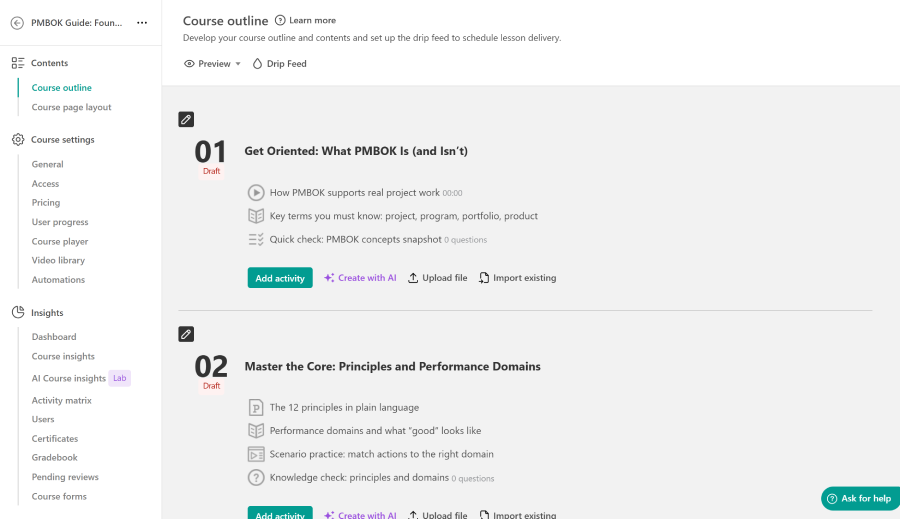
Price is the most common trigger. The Starter plan’s $29 monthly fee looks reasonable until the $5-per-course-sale charge kicks in. Sell 20 courses in a month and that’s $100 in fees on top of the subscription, often more than the cost of upgrading to Pro Trainer instead.
Learning curve and support responsiveness, covered above, push out a second wave of switchers. Usually it’s someone who hit a wall configuring a setting and didn’t get help fast enough to keep momentum going.
A third group leaves over community and live features. LearnWorlds can run live sessions, but its discussion tools and cohort management are thin next to platforms built around community from day one. A fourth group wants a native mobile app without paying extra for it.
The group every other “LearnWorlds alternatives” roundup skips is the biggest miss on this whole search term. Corporate L&D teams and HR departments land on this query because LearnWorlds shows up in generic “best course platform” lists, not because it’s built for their job. They need SCORM or xAPI tracking and audit-ready reporting, not a storefront for selling to strangers. Most of the pages already ranking here never mention that reader at all, and the one that does buries it under a product name the vendor retired years ago.
Quick Comparison: All Nine Alternatives at a Glance
Nine tools, two different jobs. Prices below reflect the realistic way to get useful access to each platform, not just the smallest number on the pricing page, and they move often enough that I’d confirm anything final directly with the vendor before you commit.
| Platform | Best for | Starting price |
| Thinkific | Avoiding per-sale fees on course sales | $54/mo, or $40/mo billed annually, 0% transaction fee |
| Teachable | Fastest, simplest first course | $29/mo annually plus 7.5% fee (0% fee from the $69/mo Builder plan) |
| Podia | All-in-one storefront, courses, and email | $42/mo annually plus 5% fee (0% fee from the $75/mo Shaker plan) |
| Kajabi | Built-in marketing and sales funnels | $143/mo billed annually, 0% transaction fee |
| Mighty Networks | Live cohorts and community | $79/mo plus 2% fee (fee never reaches 0% on standard plans) |
| iSpring LMS | PowerPoint-based compliance training | About $3.58 to $4.46 per active user, per month |
| TalentLMS | Free pilot before you commit budget | Free for 5 users; paid plans from about $69/mo |
| Docebo | Large, multi-audience enterprise training | Custom quote, typically $30,000+/year |
| LearnUpon | Multi-portal training for several audiences | Custom quote, typically $15,000+/year |
Best LearnWorlds Alternatives for Course Creators and Coaches
Each platform below solves one specific LearnWorlds complaint rather than trying to win on every feature at once. Match your actual friction point to the tool built around fixing it.
Thinkific
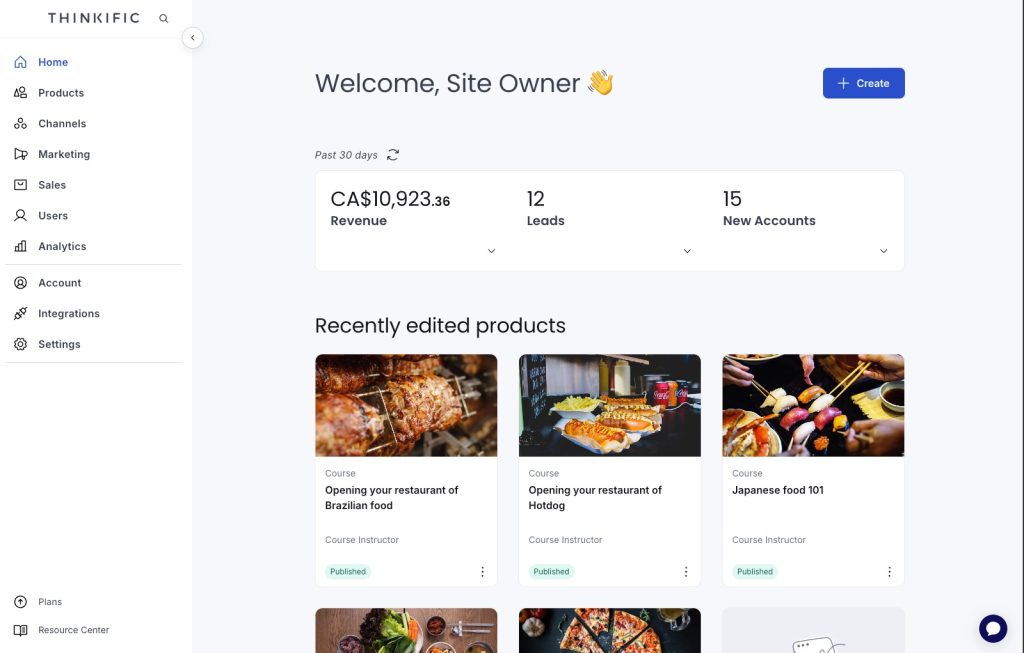
Thinkific fits creators whose main complaint with LearnWorlds is the money leaking out through the Starter plan’s per-sale fee. Every Thinkific plan, including entry-level Basic, charges 0% transaction fees in the US and other primary markets, so you keep what you sell beyond standard card processing.
The tradeoff is entry price. Thinkific no longer offers a permanent free plan, and Basic starts at $54 a month, or $40 billed annually, higher than LearnWorlds’s own $29 sticker price. The math still favors Thinkific once you’re selling more than a handful of courses monthly, since LearnWorlds’s fee stacks on top of its subscription while Thinkific’s doesn’t.
Thinkific also bundles unlimited students and courses on every plan, live cohort support from the Start tier, and phone support once you reach Grow. The Grow plan adds group orders and invoicing for selling to companies rather than individuals, worth knowing if part of your audience is B2B. SCORM import is real but gated behind the custom-priced Plus tier, so it isn’t a fit if compliance tracking is the actual goal.
If your course is a one-time purchase and fees are what’s bleeding you dry, start here.
Teachable
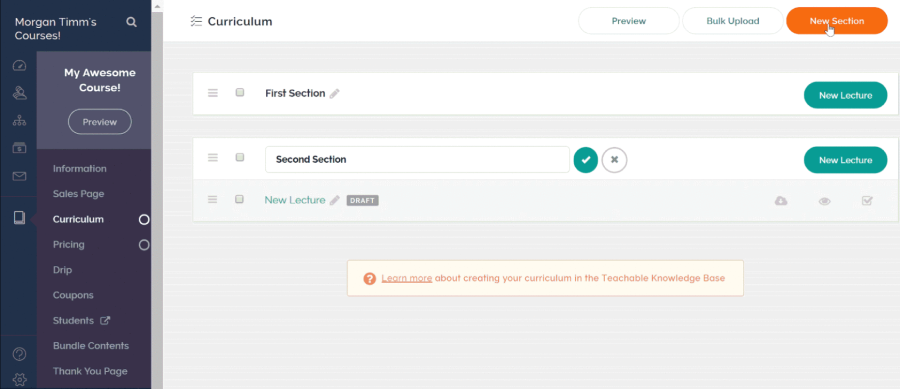
Teachable answers the learning-curve complaint most directly. Its course builder is genuinely fast to pick up, and creators consistently cite it as the platform where they published a first course with the least friction.
Pricing tells a more complicated story than the $29 Starter number suggests. That plan carries a 7.5% transaction fee on every sale, on top of standard card processing, so a $200 course sold ten times in a month costs $150 in Teachable fees alone. The fee disappears entirely on the Builder plan at $69 a month billed annually, and most creators doing consistent sales end up there once volume passes a few hundred dollars a month.
Teachable also no longer runs a permanent free plan, just a short trial on paid tiers, so it isn’t the free-to-start option some older roundups still describe. Standard card processing applies on top of any Teachable fee on every plan, and payouts are batched, so check how often you actually get paid before you plan cash flow around it.
If ease of setup is what drove you off LearnWorlds and you’re comfortable moving to Builder once sales pick up, Teachable is the straightforward answer.
Podia
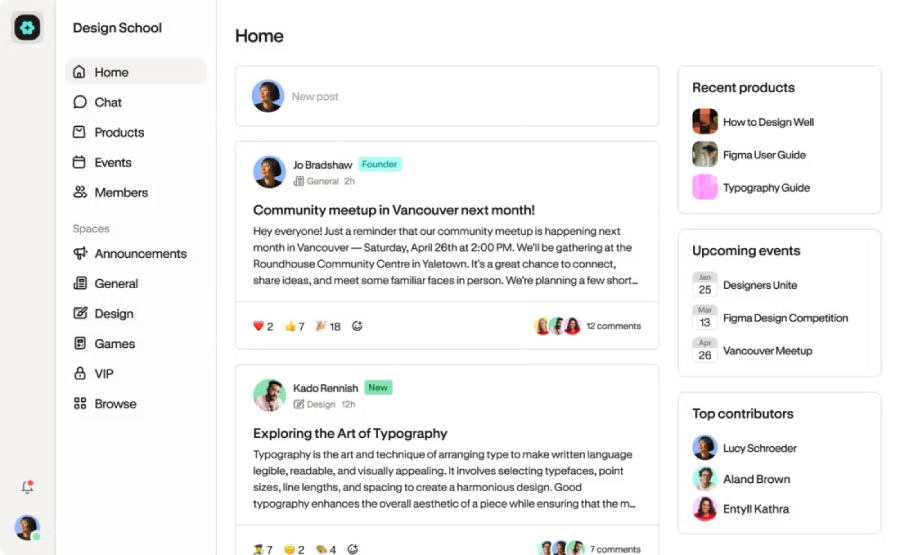
Podia‘s pitch is consolidation: website, courses, digital downloads, email marketing, and a light community layer in one flat subscription instead of several stitched-together tools. For a coach tired of paying for a separate email platform on top of LearnWorlds, that’s a real savings in both cost and time.
The Mover plan starts at $42 a month billed annually and carries a 5% fee on sales. Shaker removes the fee entirely at $75 to $84 a month depending on billing, and adds affiliate marketing. Both plans include free migrations from your old platform, and email marketing stays free for your first 100 subscribers before a small add-on cost kicks in. There’s no permanent free plan, though the 30-day trial runs longer than most competitors offer.
Podia won’t out-feature LearnWorlds on interactive video or course-building depth, and it isn’t built for SCORM or compliance tracking at all. What it does well is cut down on the number of separate bills and logins a solo creator has to juggle.
Good fit if your LearnWorlds frustration was less about the course builder and more about running four different tools just to hold your business together.
Kajabi
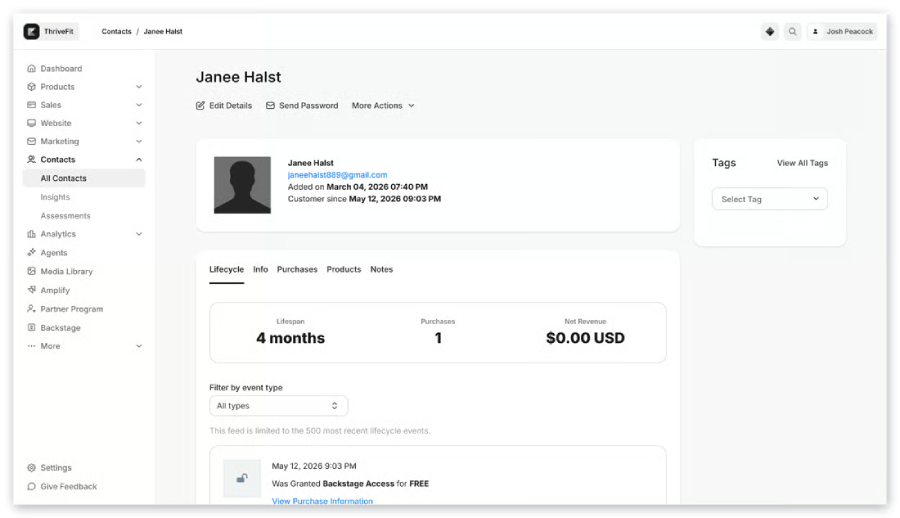
Marketing depth is Kajabi‘s whole pitch, at a price that reflects it. Built-in email automation, sales funnels, and pipeline tools cover ground most competitors on this list charge extra for or skip entirely.
That depth carries the highest entry price of any course-creator tool here. Kajabi discontinued its public Kickstarter tier in 2026, and Basic now starts at $143 a month billed annually, close to five times LearnWorlds’s Starter price. There’s no permanent free plan, and no transaction fee on any tier, which offsets some of that sticker shock once you’re selling at real volume.
Unlimited marketing emails are included at every tier, which is worth factoring in. Thinkific and Teachable both push you toward a separate email tool once your list grows, and that can run anywhere from $13 to well over $100 a month on its own. Every Kajabi plan also includes access to a shared app your students can use to reach your content. A fully white-labeled app under your own brand name is a paid add-on rather than something bundled in automatically.
Kajabi makes sense if the course is one piece of a larger funnel-driven business and the all-in-one marketing stack is worth paying a premium for. It’s overkill if you just want somewhere to host and sell a course.
Mighty Networks
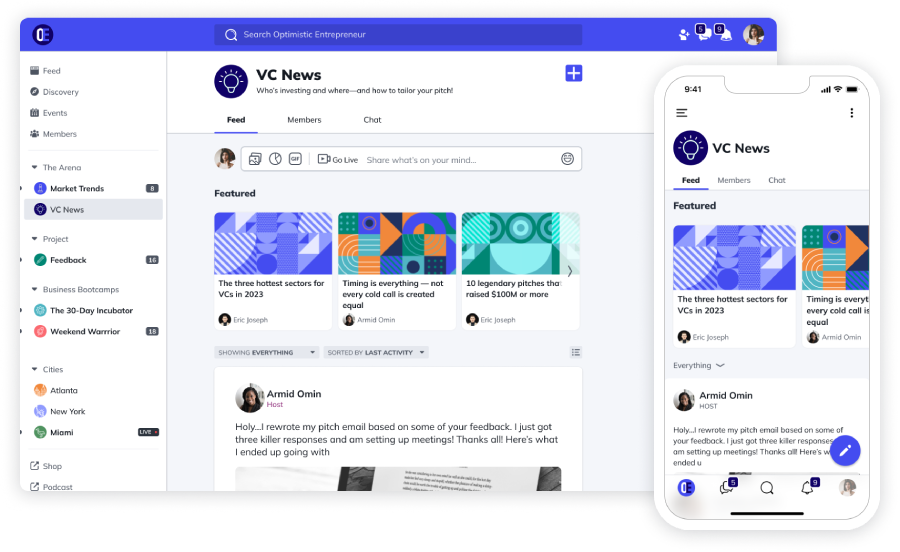
Mighty Networks exists for the complaint LearnWorlds answers worst: live cohorts, discussion, and community as the actual product rather than a bolt-on feature. Livestreaming, threaded discussions, member profiles, and event scheduling are built in from the ground up.
The Launch plan starts at $79 a month and includes courses, events, and basic gamification. Every trial and new network starts with an AI-driven setup flow that builds a first landing page and community template from a short questionnaire, a genuinely faster starting point than the blank dashboard most course platforms hand you. Unlike everything else on this list, Mighty Networks never reaches a genuine 0% transaction fee: Launch charges 2%, Scale drops to 1% at $179 a month, and only the custom-priced Mighty Pro tier gets to 0.5%. At meaningful sales volume, that fee adds up in a way Thinkific’s or Teachable’s top tier doesn’t.
Every member reaches your network through the shared Mighty Networks app on iOS and Android. A dedicated, branded app under your own name requires Mighty Pro, priced by quote.
If your course really only works as a live, cohort-based experience with an active group feed, this is the platform built around exactly that.
Best LearnWorlds Alternatives for Corporate and Compliance Training
The four platforms below serve a different reader entirely: someone training employees, partners, or customers rather than selling courses to strangers. Compliance tracking and cost at scale matter more here than checkout pages or funnels.
iSpring LMS
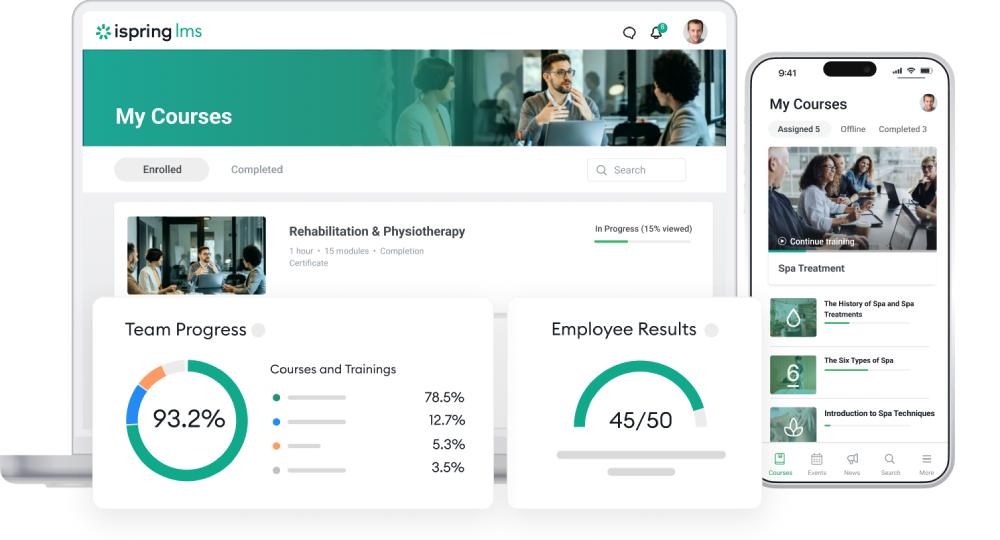
The single feature that keeps showing up in every independent review of iSpring LMS is PowerPoint-to-SCORM conversion, and it’s the reason to start here if your training content already exists as slide decks. Its companion authoring tool, iSpring Suite, turns an existing PowerPoint deck directly into a SCORM, xAPI, or cmi5-compliant course, without rebuilding it from scratch in a new tool.
Pricing runs on active users rather than a flat contract or every registered seat. Published rates run from $4.46 per active user monthly at 300 users down to $3.97 at 500 users, billed annually, and you’re never charged for people who don’t log in that month. At the sub-500-user scale this reader usually operates at, that undercuts Docebo’s and LearnUpon’s typical quotes by a wide margin, since both start in five-figure annual contract territory before you’ve added a single feature.
The real limitation is worth naming plainly. iSpring Suite AI, the PowerPoint-based authoring tool, is still built on the same Windows-only plugin architecture as the standard iSpring Suite before it. Teams on Mac hardware, or without a Windows machine handy, will hit friction there specifically.
iSpring does offer a separate browser-based option, iSpring Cloud AI. It’s a lighter, more template-driven course builder rather than a full swap for Suite’s slide-by-slide PowerPoint editing, but it closes the Mac gap if that’s the actual blocker.
If your training content already lives in PowerPoint and you need SCORM tracking without an enterprise procurement process, this is worth a look. My full iSpring LMS review covers setup and day-to-day use in more depth.
TalentLMS
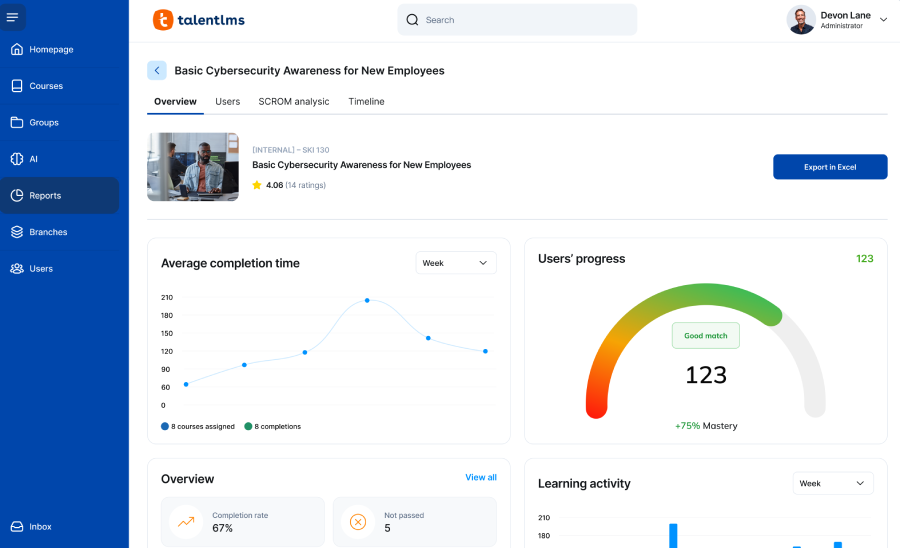
TalentLMS is the platform to test before committing budget anywhere else on this list. The free-forever plan covers up to 5 users and 10 courses, real usage rather than a time-limited trial, something none of the five course-creator platforms above still offer.
Paid plans scale from there, generally starting around $69 a month for small teams and climbing with your registered user count, plus an Enterprise tier priced by quote. TalentLMS supports SCORM, xAPI, cmi5, and AICC even on its lower paid tiers, and setup is fast enough that most teams have a first course live within a day.
One detail worth knowing before you commit: standard TalentLMS plans bill by registered users, not just active ones, so a large invite list costs money whether people log in or not. An active-user pricing variant exists for teams where that distinction matters more. Annual billing knocks 20% off list price, and registered non-profits get the same 20% again on top of that.
If you’re already deep enough into TalentLMS to be shopping around, I’ve written a full breakdown of TalentLMS alternatives once you outgrow this tier too.
Docebo
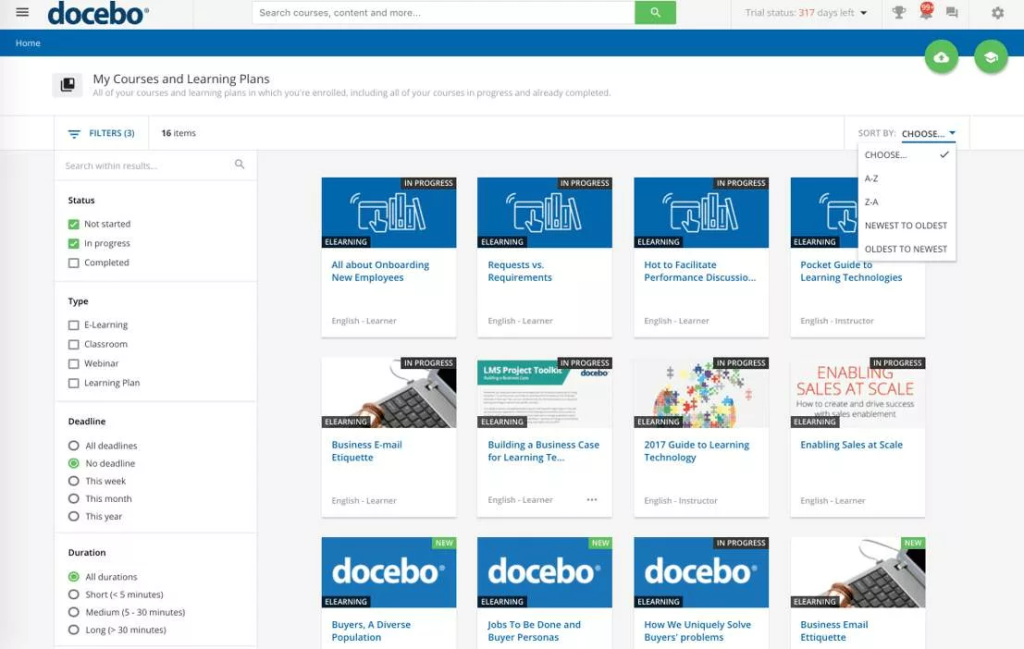
Docebo is built for organizations training several distinct audiences, employees, partners, and customers, from one platform, with AI-assisted content tools and genuinely deep reporting layered on top.
Pricing is where Docebo separates itself from everything else here: there’s no public price list at all. Every deal runs through a sales conversation, and third-party spend data puts realistic entry contracts around $30,000 to $56,000 a year, generally aimed at organizations with 250 or more learners. Docebo also offers three different ways to count who you pay for, monthly active, yearly active, or registered active users, so ask which model a quote is based on before comparing it to anyone else’s numbers. There’s no self-serve trial either, so evaluating it means booking a demo rather than signing up and testing.
What you get for that spend is real: multi-portal support for different audiences, advanced analytics, AI-assisted authoring, and an integration catalog that covers most enterprise HR and CRM stacks.
For a reader who left LearnWorlds because it doesn’t scale to compliance training, Docebo is the far end of that scaling question, built for a company already well past the point where a course-selling platform could ever have worked.
LearnUpon
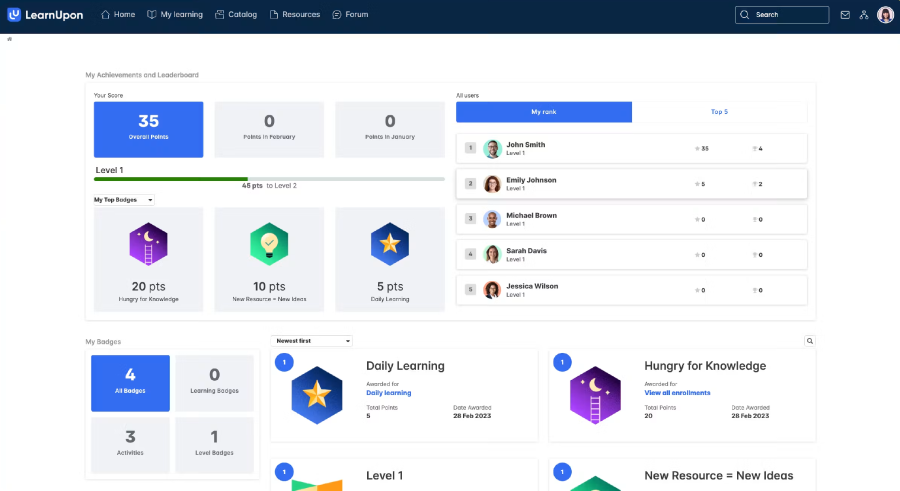
LearnUpon‘s defining feature is clean multi-portal architecture: separate branded training environments for employees, partners, and customers, all managed from a single account. The vendor actually sells three variants built around that split, one for employee training, one for customer education, and one for membership associations, so the sales conversation tends to start from your specific use case rather than a generic feature list.
Like Docebo, pricing is quote-only. Buyer reports put the entry Essential plan around $15,000 to $25,000 a year for up to roughly 150 users, with larger deployments running well past that. There’s no self-serve free trial, only a guided demo, and minimum contracts typically start in that same range.
SCORM, xAPI, and AICC are all supported natively, and LearnUpon has a strong reputation for support responsiveness specifically, a direct answer if that was your complaint about LearnWorlds rather than pricing or feature depth.
LearnUpon sits above iSpring LMS on cost for most team sizes and below Docebo on enterprise complexity, a genuine middle option if you’re training multiple audiences but not yet at Docebo’s scale.
How to Choose the Right LearnWorlds Alternative

Start with what you’re actually delivering. A course someone chooses to buy needs a storefront, checkout, and marketing tools. Required training someone has to complete needs tracking, completion records, and often an audit trail. Those are different products even when they look similar on a pricing page.
Ask whether you need SCORM, xAPI, or cmi5 support specifically. If a client, auditor, or certification body needs proof of who completed what and when, that rules out every course-creator platform on this page except Thinkific’s Plus tier, and points you toward the corporate-training track instead.
Check whether you already have content built in PowerPoint. Rebuilding an existing training library from scratch in a new authoring tool is real, often underestimated work. If PowerPoint is already your format, a platform that converts it directly is worth weighing heavily against one that makes you start over.
Count your learners honestly, and think about how many log in in a typical month versus how many are just on the list. Platforms that bill by registered users get expensive fast with a large, mostly-inactive list. Platforms that bill by active users don’t.
None of this points to one universal winner, because there isn’t one. A solo creator selling a $200 course and an HR team tracking safety certifications for 400 employees are solving different problems. The right LearnWorlds alternative depends entirely on which one you actually are.
One last note if you’re comparing training tools more broadly. Trainual solves a related but different problem, SOP and process documentation rather than SCORM-tracked courses. If that’s actually closer to what you need, I’ve written a separate breakdown of Trainual alternatives worth reading next.
Frequently Asked Questions
Is there a free LearnWorlds alternative?
Not really, not anymore. Thinkific, Teachable, Podia, Kajabi, and Mighty Networks have all retired their permanent free plans over the past two years, so none of the leading course-creator platforms offer genuine free-forever access today. TalentLMS is the exception on this whole list, with a real free tier for up to 5 users and 10 courses, though it’s built for internal training rather than selling courses. If you’re a course creator, the practical route is a generous trial: Thinkific and Podia both give you 30 days of full access before you have to pay anything.
What is the cheapest LearnWorlds alternative?
By sticker price, Teachable’s Starter plan at $29 a month, billed annually, matches LearnWorlds’s own Starter price exactly. Its 7.5% transaction fee often costs more than the subscription itself once you’re selling regularly, though. Thinkific’s zero-fee Basic plan at $40 a month annually usually works out cheaper in practice for anyone selling more than a few courses a month.
What is the best LearnWorlds alternative for corporate training?
It depends on scale and budget. iSpring LMS fits teams with existing PowerPoint content and a moderate learner count, thanks to per-active-user pricing that stays affordable under roughly 500 users. TalentLMS is the option to pilot for free first. Docebo and LearnUpon both handle larger, multi-audience training programs, at enterprise pricing that starts well into five figures annually.
Does any LearnWorlds alternative support SCORM and xAPI?
Yes. iSpring LMS, TalentLMS, Docebo, and LearnUpon all support SCORM, xAPI, and generally cmi5 natively, since compliance tracking is core to what they’re built for. Among the course-creator platforms, only Thinkific offers SCORM import, and only on its custom-priced Plus tier.
How is iSpring LMS different from LearnWorlds?
LearnWorlds is built to package and sell courses to paying customers outside your organization. iSpring LMS is built to deliver and track required training for people already inside it, employees, partners, or customers you’re onboarding rather than selling to. The two platforms solve different problems even though both technically host and deliver online courses.